















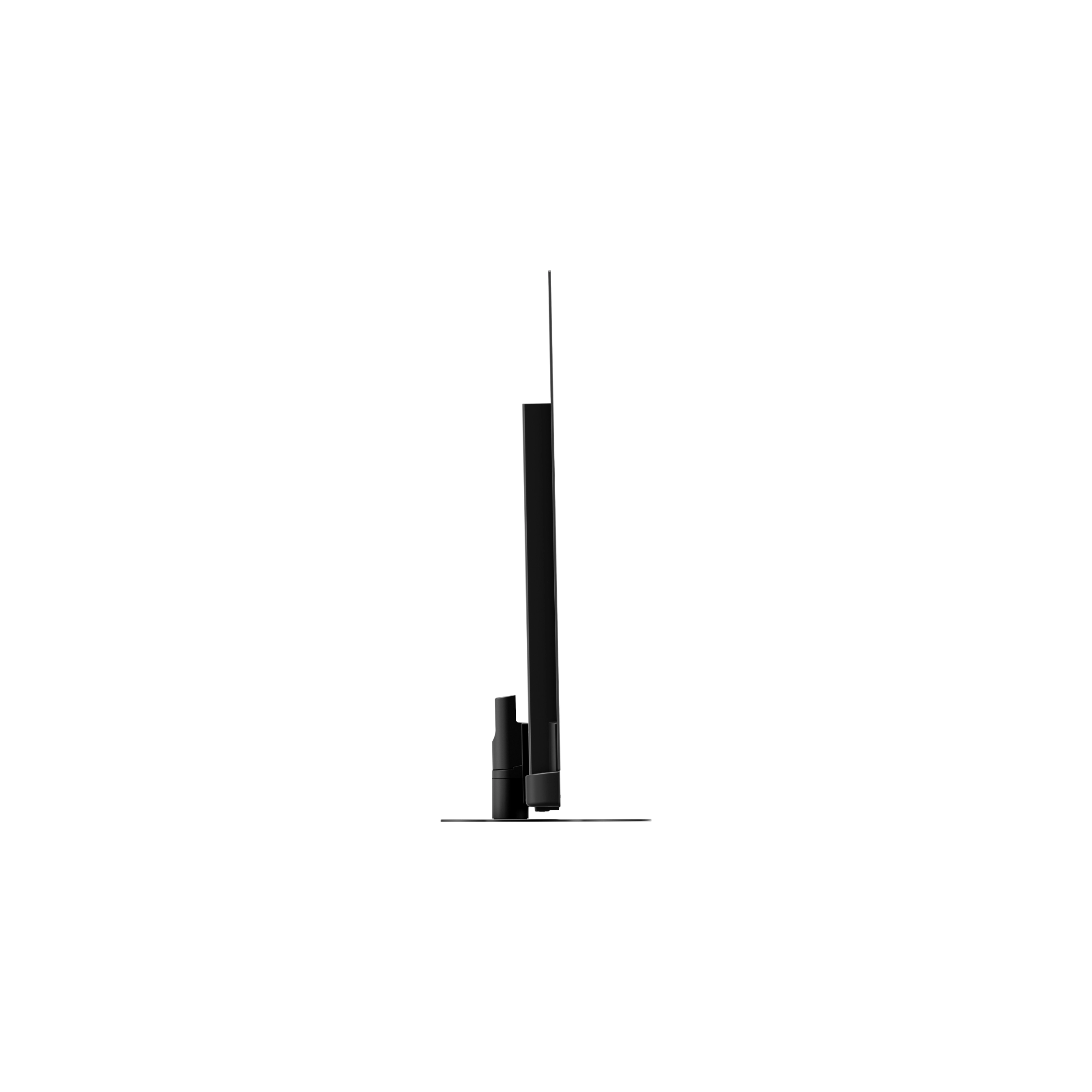
Panasonic TV-65Z90BE9
Collection at the store in Schwäbisch Gmünd
€1,699.00

+49 7171 87 12 100

Panasonic TV-65Z90BE9

Details

Der schönste Platz im Haus
Fire TV Ambient Experience verwandelt den größten Bildschirm in Ihrem Zuhause in eine persönliche Leinwand für schöne Kunstwerke, persönliche Fotos, Musik und anpassbare Alexa-Widgets.
Immer live dabei
Von Sport bis zu lokalen Nachrichten – Sie müssen nicht auf Live-TV verzichten, wenn Sie auf Streaming umsteigen. Fire TV integriert Ihre bevorzugten Live-Kanäle und Apps nahtlos auf dem Startbildschirm oder Sie suchen live in der Senderübersicht. *Es können Abonnementgebühren anfallen.


Sehen, Hören und Teilen Sie Ihre Lieblingsinhalte – mit AirPlay
Einfach mit AirPlay eigene Videos, Fotos, Musik und mehr vom iPhone, iPad oder Mac auf Ihren Panasonic Fernseher übertragen und genießen - an mehr Orten als je zuvor. *Apple, AirPlay, iPad, iPhone und Mac sind Marken von Apple Inc., die in den USA, weiteren Ländern und Regionen eingetragen sind.

Auto AI
Auto AI – Mithilfe künstlicher Intelligenz analysiert der Z95 das eingehende Signal und passt Bild- und Toneinstellungen in Echtzeit an. Auto AI kennt die Einstellungen für Sport, Live-Musik, Kinoszenen und mehr – und nimmt sie für Sie vor. Lehnen Sie sich einfach zurück und genießen Sie die Vorstellung.
4K-Fine-Remaster für höhere Auflösung.
Dual Super Resolution – Auflösung und Glätte werden durch die Super Resolution-Technologie der nächsten Generation mit KI erreicht. Panasonic hat zwei Hochkonvertierungstechnologien, KI und mathematische Modelle, kombiniert, um schärfere, aber natürlichere Bilder zu liefern, insbesondere bei Inhalten mit FHD und darunter.


KI-HDR-Remaster für kontrastreiche HDR-Bilder.
KI-HDR-Remaster – Erleben Sie dynamischere Bilder für Übertragung und Streaming. Sie wandelt normale Bilder, wie z. B. Fernsehbilder, in kontrastreiche Bilder um, indem sie einen Konvertierungsalgorithmus verwendet, der ursprünglich mit AI entwickelt wurde.

Großer Bildschirm, atemberaubende Geschwindigkeit, Auflösung und Dynamik für jedes Spiel
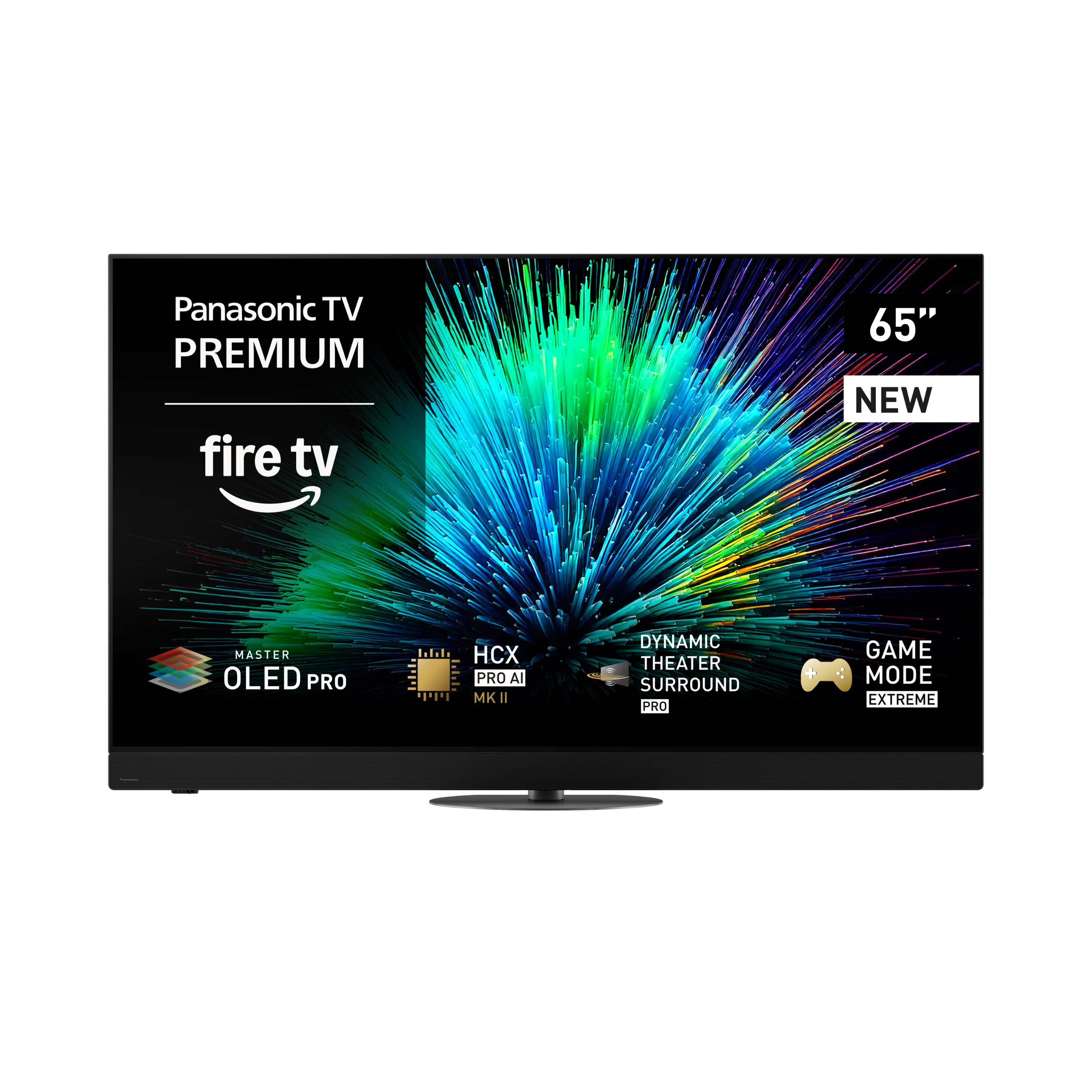
Dank Game Mode Extreme sind die neuen 4K OLED-Fernseher mit HCX Pro AI MK II- Prozessor bereit für richtige Action. Das neueste 144 Hz-Panel bietet sowohl HFR (High Fame Rates) als auch VRR (Variable Refresh Rates) und sorgt für atemberaubende, hochauflösende, lückenlose Grafiken, die filmische Brillanz und Gaming neu definieren.
Einfache und intuitive Einrichtung für Spielekonsolen
Ab sofort können Sie Game Settings einfacher und intuitiver bedienen. Verbinden Sie Ihre Spielkonsole über HDMI mit dem Fernseher. Das neue Game Control Board zeigt Ihnen Game relevante Informationen und bietet Ihnen gleichzeitg einen bequemen Zugriff auf Ihre Game-Einstellungen. Für ein noch reibungsloseres Spielerlebnis können Sie diese Funktion direkt aufrufen, indem Sie sie der „My APP“ -Taste zuweisen.


Großartiger Sound für all Ihre Lieblingsspiele
Der Game Sound Mode ermöglicht das Umschalten zwischen verschiedenen Soundmodi, um den Sound für jedes Spiel zu optimieren. Der RPG-Modus sorgt für ein realistisches und intensives Spielerlebnis. Der FPS-Modus stellt die Audioposition in den Mittelpunkt, so dass Sie beim Spielen selbst leiseste Geräusche Ihrer Feinde hören können und so stets die Oberhand behalten.
(Quelle: www.panasonic.de)
Safety Instructions
Panasonic Marketing Europe GmbH, Panasonic Testing Centre
Winsbergring 15, 22525 Hamburg, Deutschland
Email: aks.panasonic.safety@eu-panasonic.com
CAUTION
To completely disconnect this device from the power supply, please unplug the power cord from the wall outlet. The power plug is used to completely disconnect the device from the power supply; it must remain easily accessible for the user.
WARNINGS
- Avoid high temperatures. Ensure proper ventilation if the device is placed on a shelf.
- Handle the power cord carefully. Always hold the plug when unplugging the cord.
- Keep the device away from moisture, water, and dust.
- If the device will not be used for an extended period, disconnect the power cord from the outlet.
- Do not cover the ventilation area.
- Do not allow foreign objects to enter the device.
- Keep the device away from insecticides, gasoline, or thinners.
- Never attempt to disassemble or modify the device.
- Ensure ventilation is not obstructed by objects such as newspapers, tablecloths, curtains, etc.
- Do not place any open flames, such as lit candles, on the device.
- Please follow local environmental regulations when disposing of batteries.
- The device must not be exposed to dripping or splashing liquids.
- Do not place any containers filled with liquid, such as vases, on the device.
- Do not handle the power cord with wet or damp hands.
- When the switch is in the OFF-STANDBY position, the device is not completely disconnected from the mains.
- The device should be positioned near a power outlet to ensure easy access to the power supply.
- Do not store the battery in a location exposed to direct sunlight or extremely high temperatures, such as near a heater.
- Do not forcibly bend the plug when connecting the device and the micro-USB/USB cable.
CAUTION (For Amplifiers): Hot Surface. Do Not Touch.
The surface above the internal heatsink may become hot when this product is operated for extended periods. Do not touch hot areas, particularly near the "Hot Surface Mark" and on the top surface.
Downloads
Technische Informationen
| Device type: | OLED TV |
|---|---|
| Screen size (inches): | 65 inch |
| Screen size (cm): | 164 cm |
| Screen resolution: | 3.840 x 2.160 (UHD 4K) |
| Image ratio: | 16:9 |
| Screen technology: | OLED |
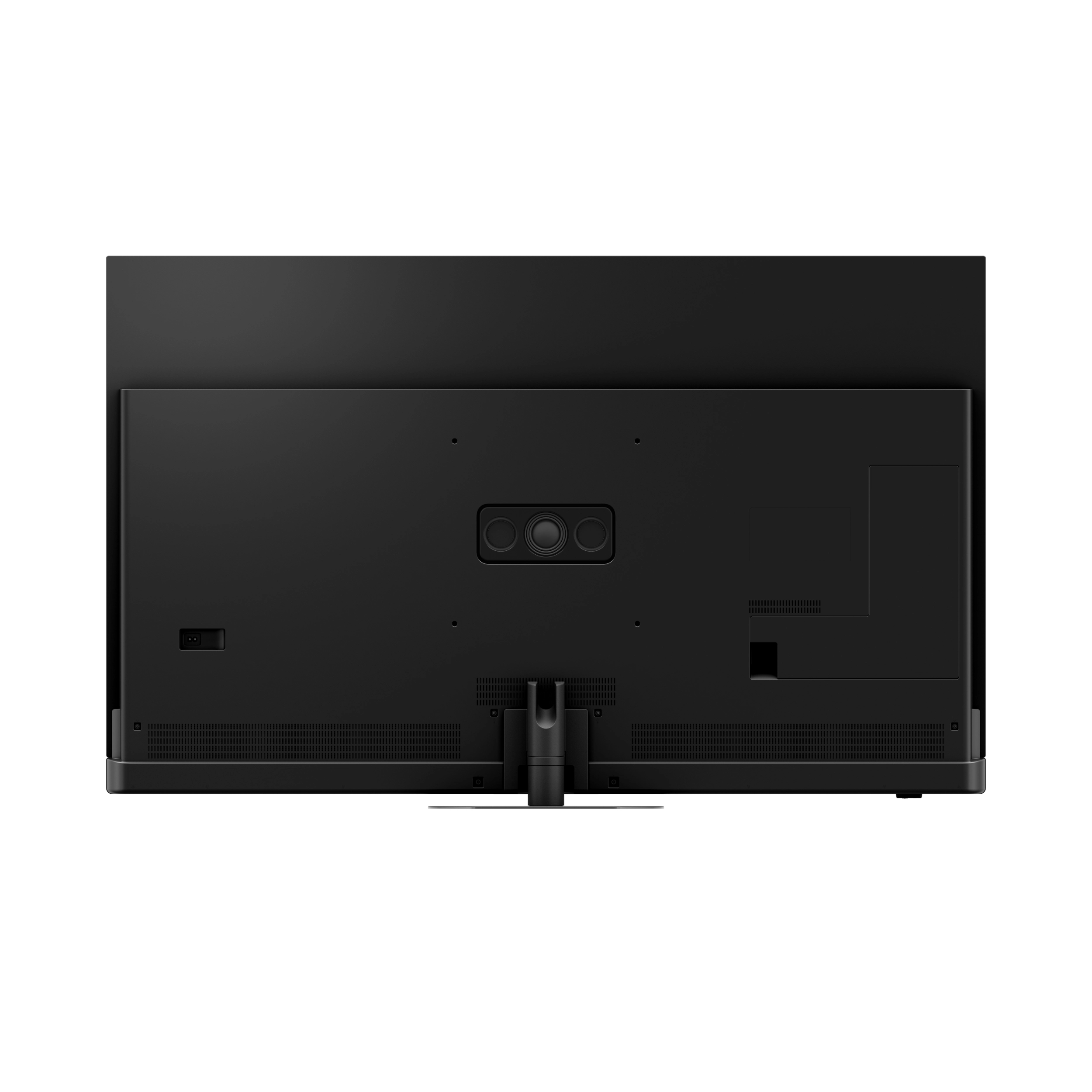
| VESA compatible: | Yes |
| Wall mounting possible: | Yes |
| Mounting holes (V): | 300 mm |
| Width: | 144,4 cm |
| Height: | 89,2 cm |
| Depth: | 5,8 cm |
| Width (additional information): | 144,4 cm (with stand) |
| Height (additional information): | 91,0 cm (with stand) |
| Depth (additional information): | 34,8 cm (with stand) |
| Weight: | 25,0 kg |
| Weight (additional information): | 30,0 kg (with stand) |
| Power consumption in standby mode: | 0,5 W |
| Energy efficiency class HDR playback: | G (A-G) |
| EU Energy Efficiency Scale (EU) 2019/2013: | A-G |
| Min. mains voltage: | 220 V |
| Max. mains voltage: | 240 V |
| Power consumption in on-mode per 1000 h when playing HDR content: | 186 kWh, 112 kWh |